Transform Gmail into a helpdesk. Handle complex support right from your
inbox.

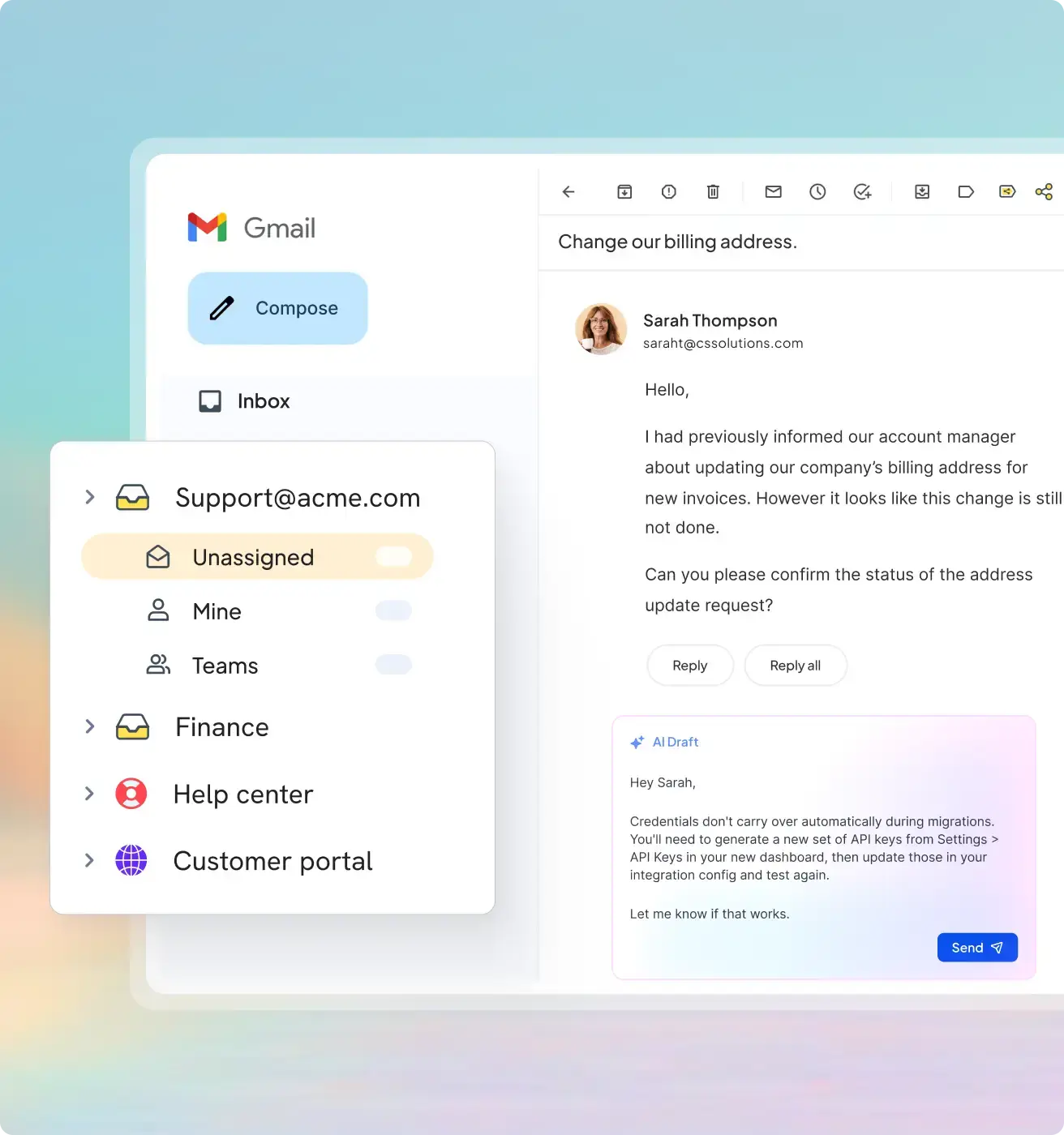
Your team shouldn’t have to leave Gmail to run real support. Hiver in Gmail turns it into a helpdesk — with shared inboxes like support@ and info@, cross-team collaboration, workflows, and AI.  

Trusted by 10,000+
teams globally

Gmail is great. But it wasn’t built for complex support.

Collaborating with other teams? Good luck.

Everyone dreads long email chains. There’s no way to link issues, track bugs, or close the loop on customer requests without dragging them into an endless inbox abyss.

How many times has your team done this today?

Triage. Routing. Replies. Your team does the same things on repeat — and the support queue just keeps increasing. The work stays manual and your best agents are the ones drowning in it.

Piecing context from multiple systems?

When your team picks up a conversation, they’re often left piecing together context from other tools like CRM and ERP before they can even begin to help.

Manage support across shared inboxes like
support@ or info@ right from Gmail

Track, collaborate, and resolve issues at scale

Triage emails, route them to the right owner, distribute workload evenly, and track status at every step. Manage escalations and handoffs with shared visibility and context.

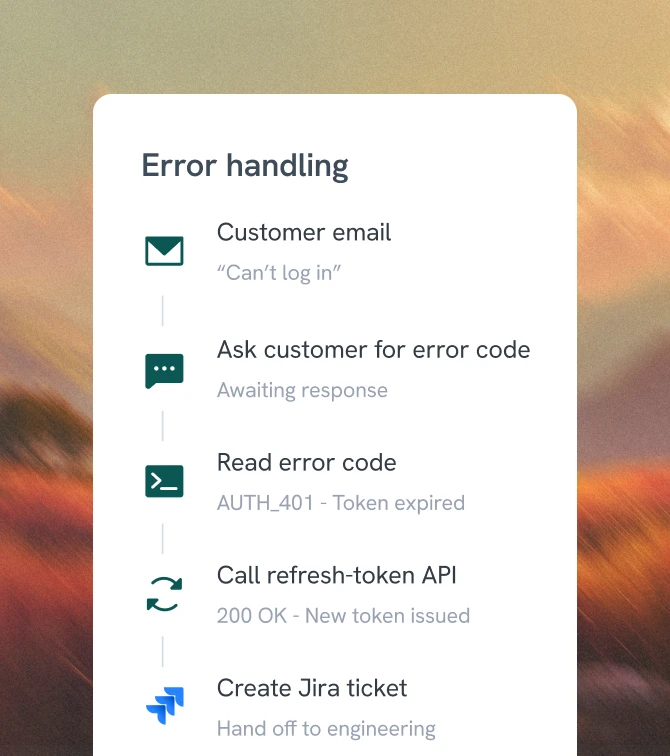
Hiver connects with CRM, Jira, Linear, NetSuite, and more — so customer data lives where your team works. Every agent picks up a conversation with full context, and AI uses that data to respond accurately.

Don’t let manual work slow down resolutions. Triage on custom rules, route by CRM ownership, push data into custom fields, and sync every tool — Salesforce, NetSuite, Jira, Linear.

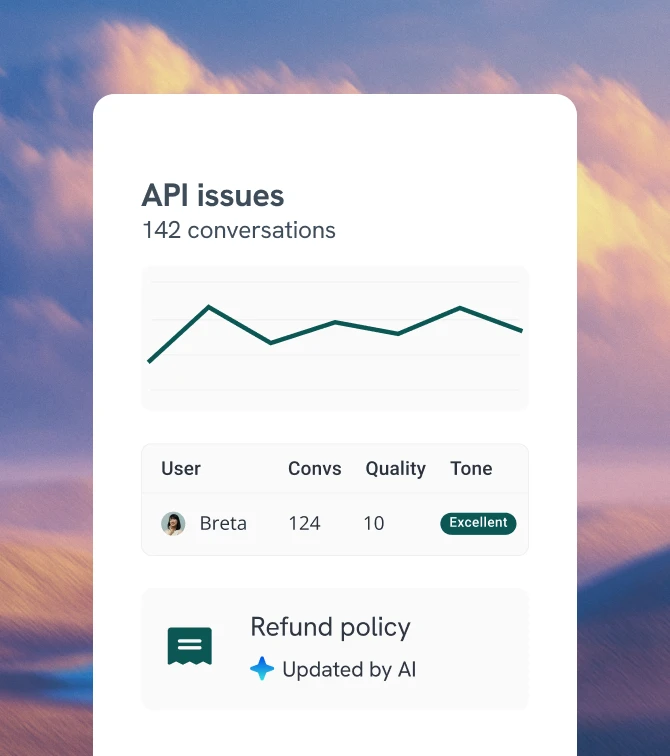
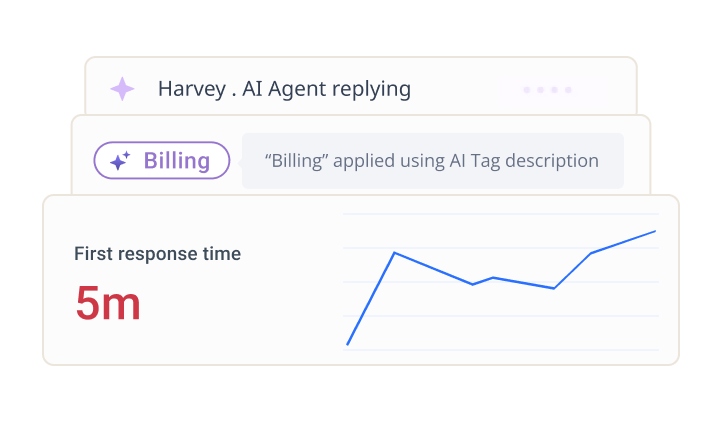
See how your team is really performing — response times, SLAs, and individual performance, all in one place. Filter reports by customer tier, client, domain, or any custom field–right inside Gmail.

ticketing (1)

AI that goes beyond simple deflection

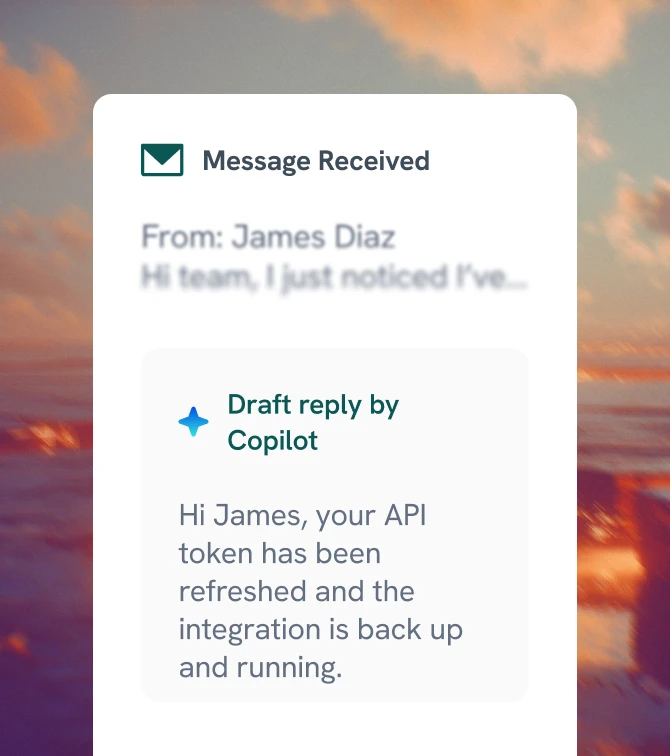
Resolves requests
end-to-end.

Triage, routing and
ticket pre-work.

Assists your team.
Audits every reply.

Surfaces trends, quality gaps,
and stale docs.

Most platforms treat AI as a bolt-on. We don’t. We designed Hiver around one idea: AI should be at the core of complex support — capable of taking on the hardest requests and woven into how teams work every day. If AI is truly core, it shouldn’t be an add-on.

It’s why every plan includes it.

Built for every team that calls Gmail home

Your team already lives in Gmail — so Hiver feels familiar from day one, with most teams live in under an hour.

30 minutes

Day 1

Day 7

First 10 minutes

Resolve customer requests from Gmail

Connect shared inboxes, bring in data from tools, and add your support docs to Gmail. Start collaborating and manage complex requests, right from day one.

Day 1

AI and automation kick in

AI learns from past conversations and docs. You decide exactly which inquiries it should handle — and it takes over the queue.

Day 7

Complex requests get resolved on autopilot

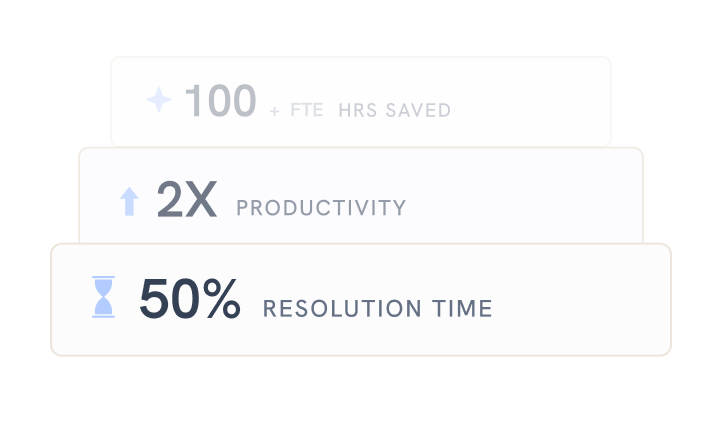
Every reply gets better with each conversation that your team and AI resolve. Complex requests that used to take hours now take minutes.

Trusted by 10,000+ teams that handle
complex support, right from Gmail

Frequently Asked
Questions

Setting up a shared inbox allows multiple users to access emails and manage the mailbox. Hiver, with its advanced shared inbox capabilities, enables teams to seamlessly convert their shared email addresses or Google Groups into a shared inbox. This leads to better collaboration and efficiency in handling customer queries.

Most tools layer AI on top of legacy systems, which limits what it can actually do. Hiver in Gmail is built with AI at its core, so it works across routing, responses, workflows, and insights. This means AI is not just assisting in parts of the process; it is improving the entire support lifecycle end-to-end. Plus every plan includes AI – no addons or usage fees.

Setup is quick. You can connect your channels, configure workflows, and start managing conversations in a short time. Most teams are up and running the same day without heavy implementation or training

Hiver in Gmail: The AI helpdesk for complex support
that lives inside Gmail

based on 2,000+ reviews from

Get Hiver's Chrome extension for Gmail to start your 7-day free trial!

Step 1

Add Hiver’s extension to your Gmail from the Chrome Webstore

Step 2

Log in to the extension to grant necessary permissions

Step 3

Enjoy your 7-day free trial of Hiver

The modern AI-powered
customer service platform

Want Hiver, without the Gmail extension?

Try Hiver Omni. It runs right in your browser, with no extension to install.

gmail extension fallback
logo stripe

Thank you for your interest!

The web app is currently under development—we’ll notify you as soon as it’s live.

In the meantime, you can get started with your 7-day free trial by downloading our Gmail extension.

The modern AI-powered
customer service platform

“Our clients choose us over competitors due to our speed and quality of communication. We couldn’t achieve this without Hiver”

Fin Brown

Project Manager

Getitmade@2x

Get in touch with us

Fill out the form and we’ll get back to you.

demo popup graphic

Get a personalized demo

Connect with our customer champion to explore how teams like you leverage Hiver to: