50% faster resolution
“With Hiver, we have much better visibility across support conversations. Trying to achieve this level of collaboration without it would be impossible.”


Manage outlook shared mailboxes like support@ or info@ with clear ownership of every email. Triage and route requests, collaborate across teams, bring in customer context from connected tools, and resolve complex issues with AI.

Trusted by 10,000+ teams




“Before Hiver, collaborating on customer emails meant forwarding long threads or explaining everything again on Slack. Now we just tag the right person, leave a note, and everyone has the context they need. It’s made working together so much easier, and we’re resolving emails 50% faster.”

Platform


Hiver AI

Hiver vs Outlook shared inbox
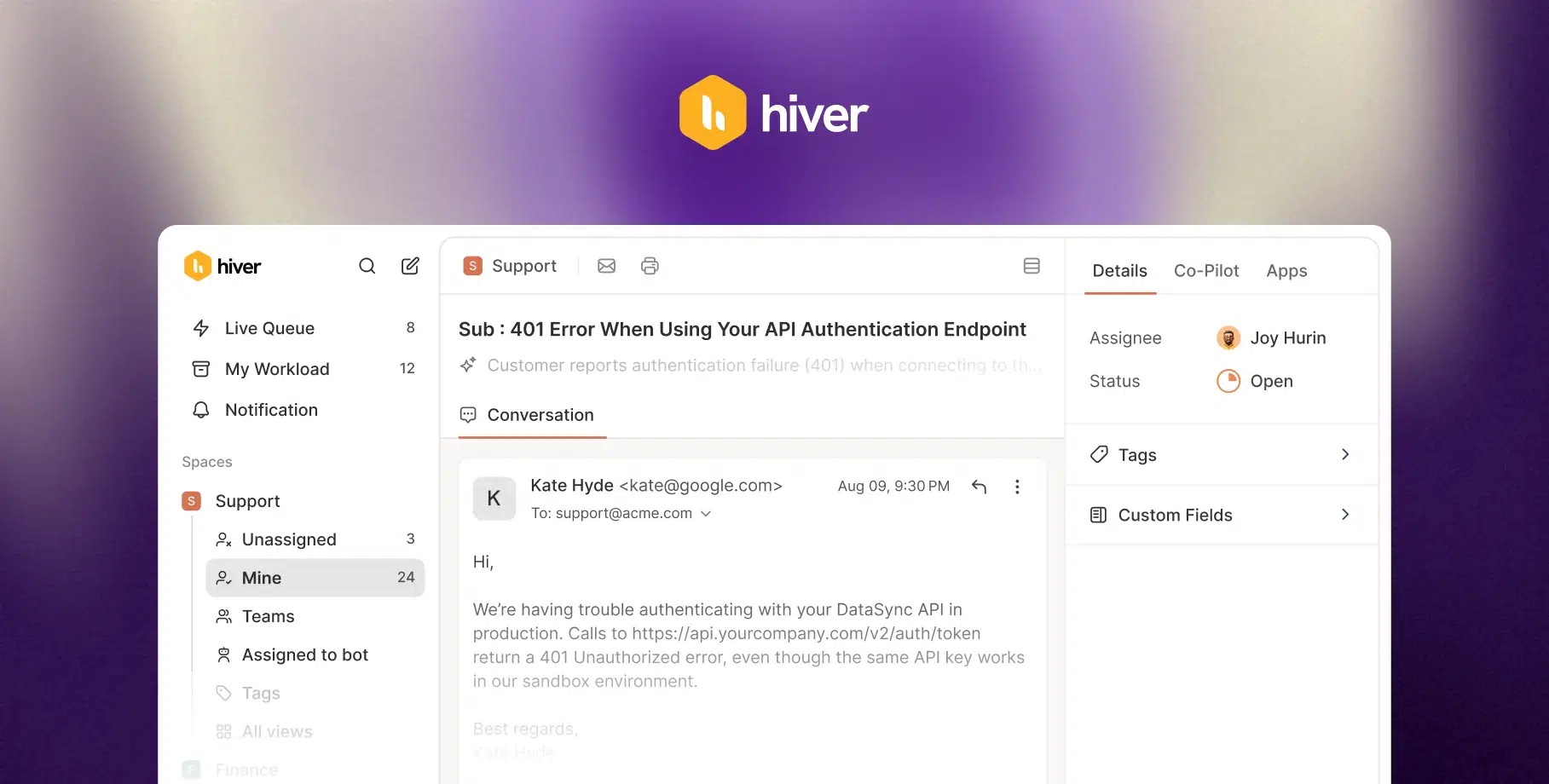

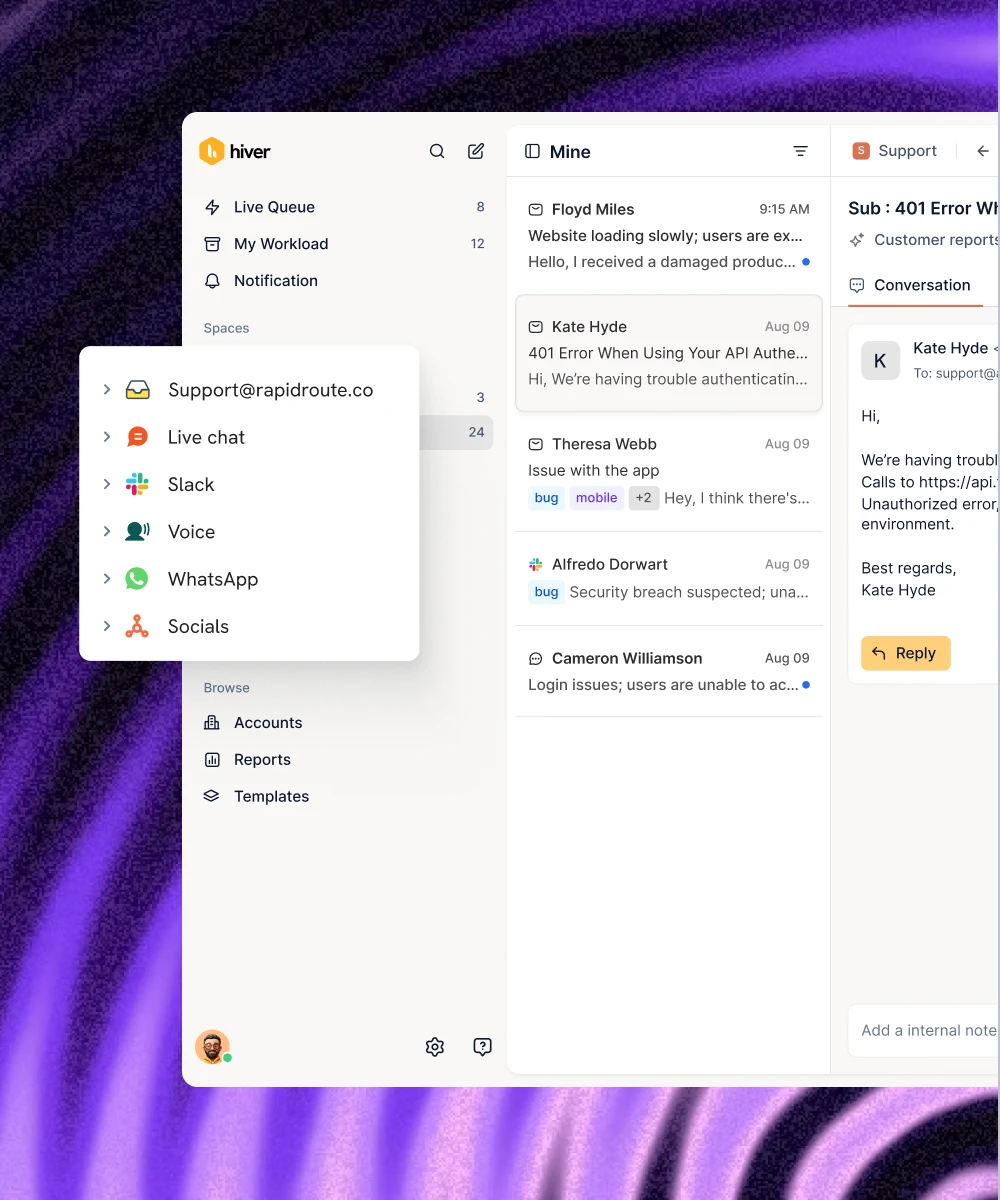
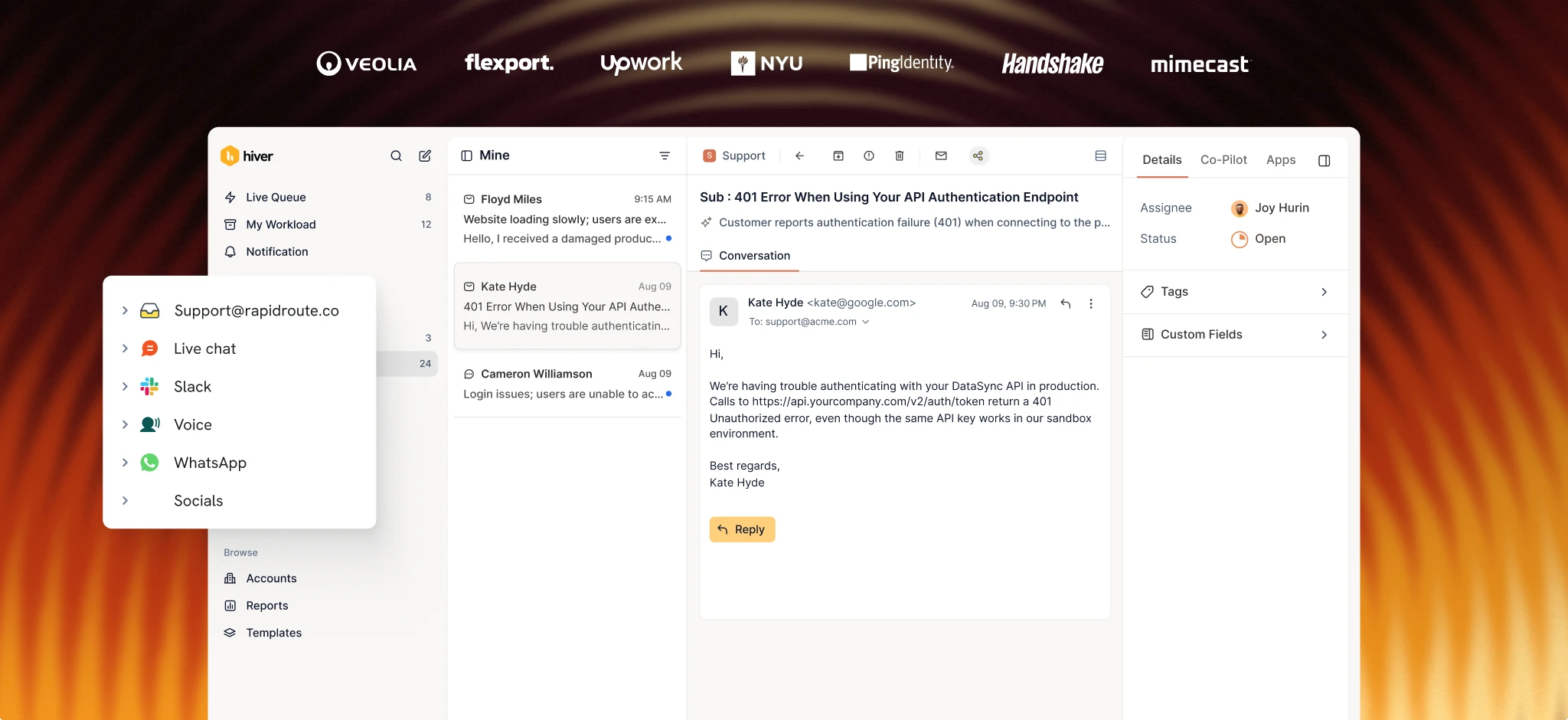
Automatically assign emails to the right team members, track their progress, and organize requests with tags and custom fields.
Teams rely on folders and categories to track ownership and status. It's manual, time-consuming, and easy to miss things.
Co-edit drafts, leave private notes, and collaborate right alongside email threads. Keep every conversation and internal discussion in context.
Collaboration happens through forwards and CCs. Important context gets scattered across personal inboxes, side conversations, and email threads.
Prevent duplicate replies with real-time collision alerts. Set response time targets and get notified before SLAs are breached.
Multiple teammates can reply to the same email without knowing it. There's no built-in way to set SLAs or receive breach alerts.
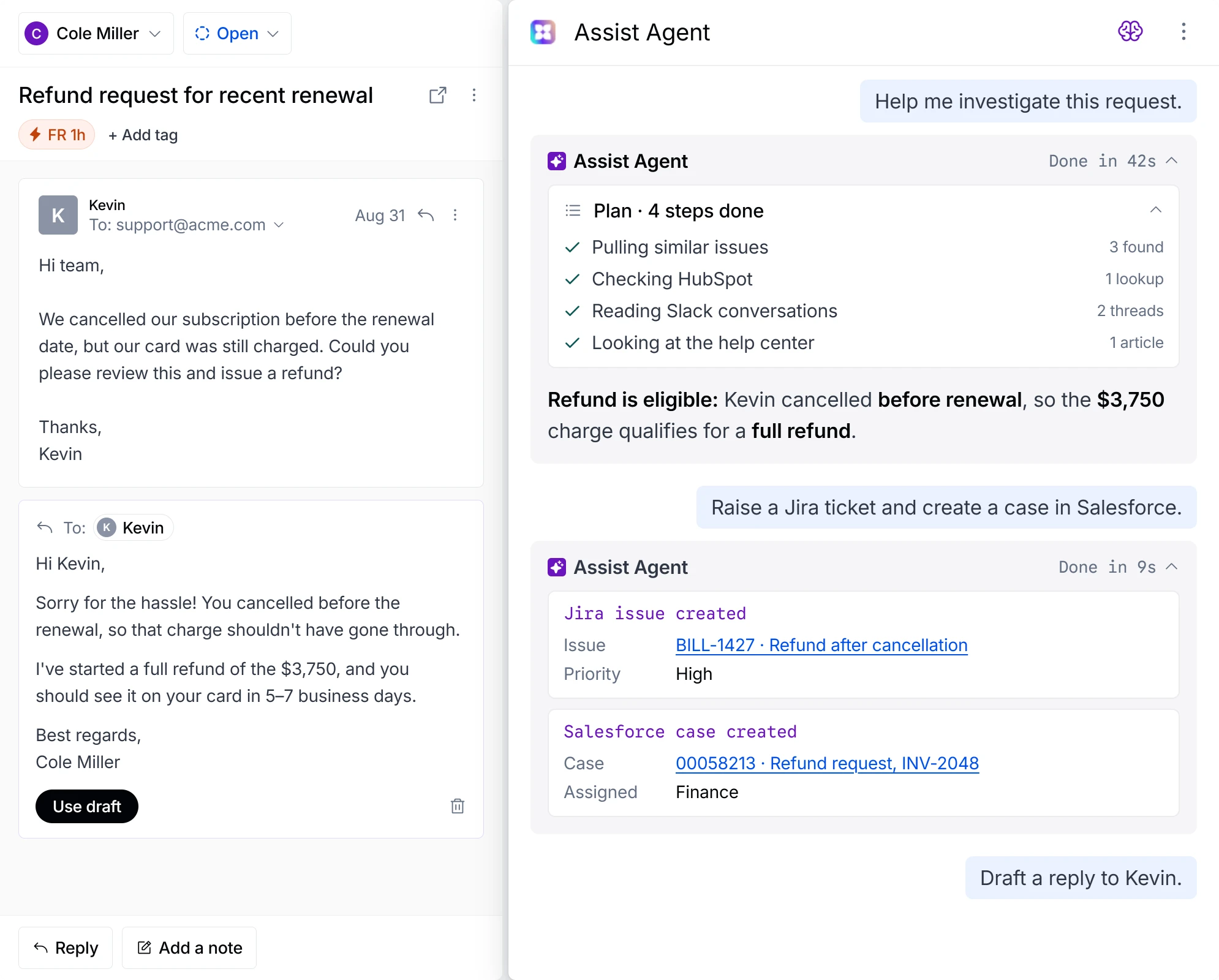
Automate email assignments, routing, and follow-ups. Let AI investigate issues, take action across systems, and resolve complex requests.
Basic rules can sort and organize emails, but complex workflows and AI-powered resolution require additional tools.
Connect Jira, Salesforce, Hubspot, Slack, and 1,000+ other tools to Hiver. Use data from these systems to automate triage, routing, and cross-tool updates.
Customer context lives across separate tools. Teams often have to switch between systems to investigate requests and update records manually.
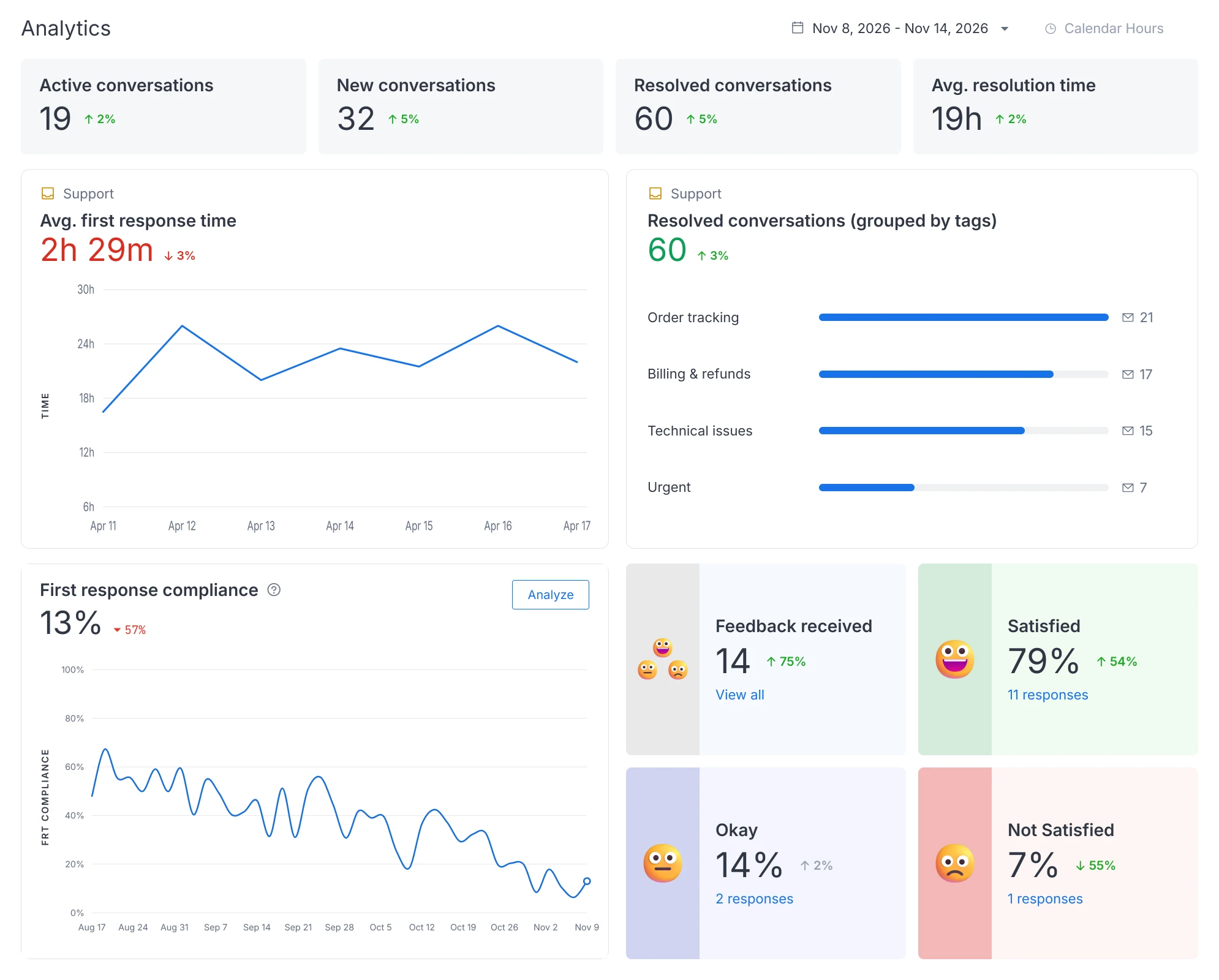
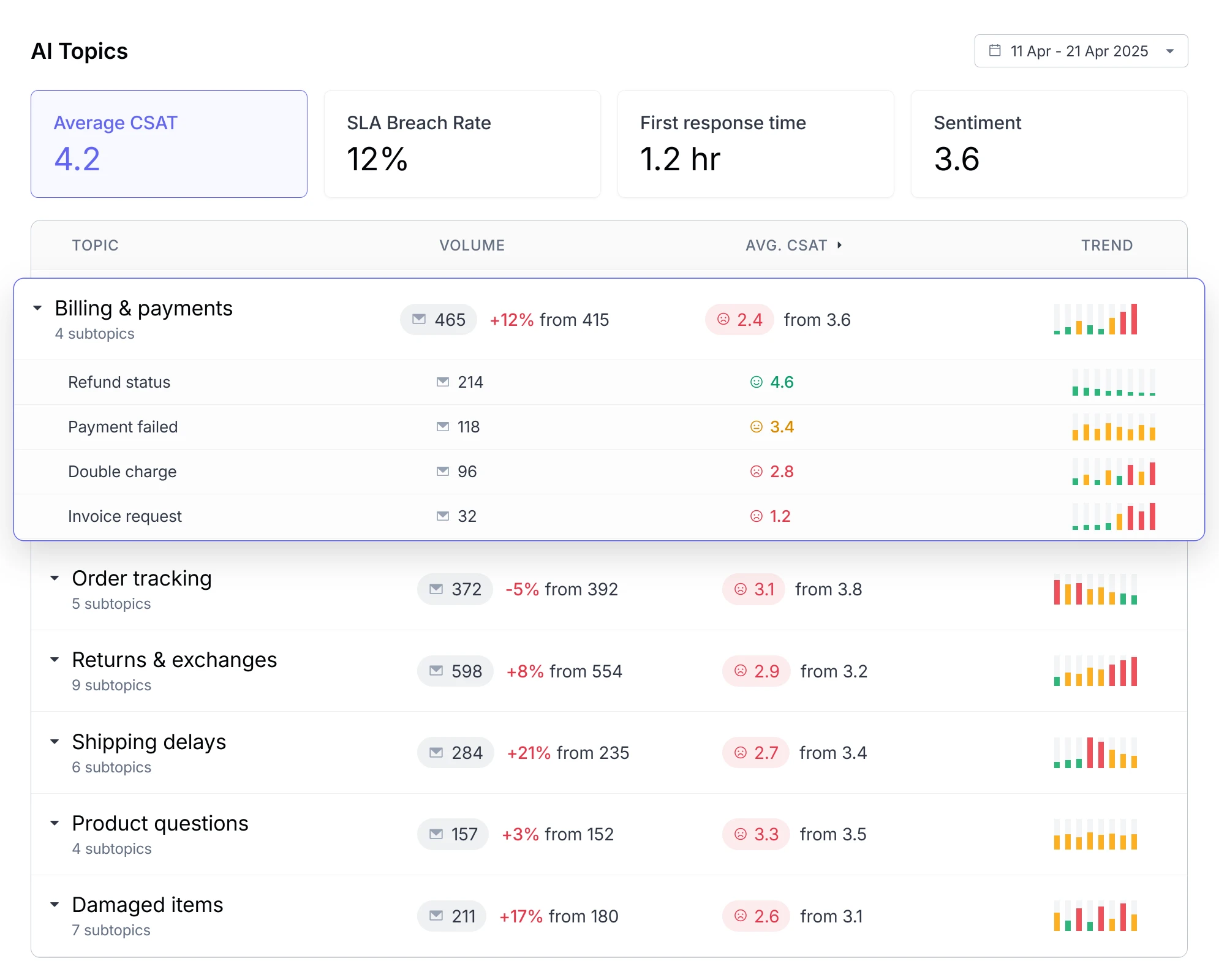
Track email volumes, team workloads, response times, SLA compliance, and more to understand what's working and where to improve.
How many requests came in last week? Who's overloaded? Outlook shared mailboxes don't provide built-in support analytics to answer these questions.
Whether you're a team of 5 or 500, Hiver gives you the visibility, workflows, and collaboration tools to scale support operations.
Microsoft recommends limiting concurrent access to around 25 users per shared mailbox. As teams grow, performance and coordination can become harder to manage.
Shared Inbox
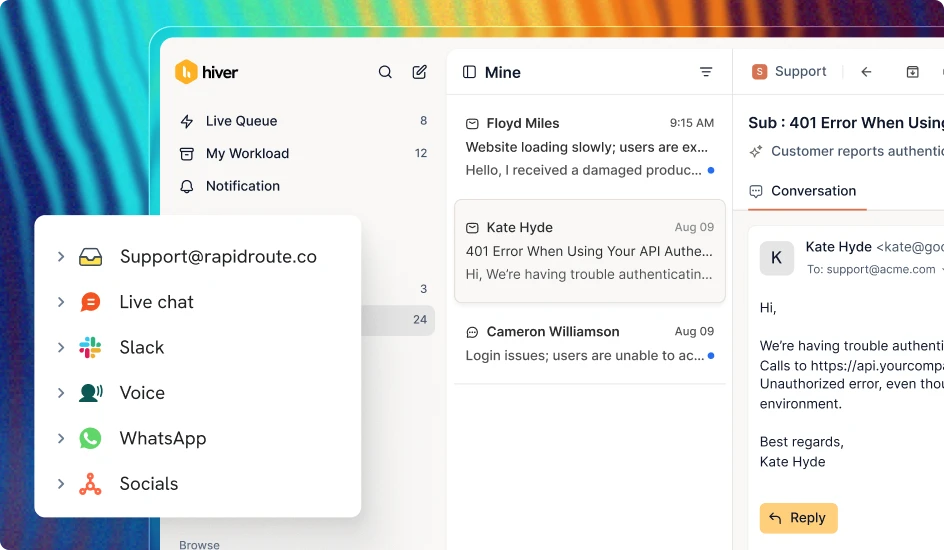
Deliver support across email, chat, Slack, voice, and more. Keep customer history and conversations connected so your team can pick up where things left off.
Connect your personal Outlook inbox to Hiver and handle individual emails alongside shared inbox conversations.
Set response and resolution targets, get alerts when SLAs are at risk, and collect customer feedback to measure satisfaction.
Customers
“With Hiver, we have much better visibility across support conversations. Trying to achieve this level of collaboration without it would be impossible.”

“Hiver’s Asana integration turned collaboration into a connected process. It lets our teams track progress and close the loop on complex projects.”


“Hiver has completely transformed our workflow. The ability to collaborate and track progress across conversations in real time has made our team far more efficient.”


“When a product request comes in via email, we open it up and fill in the details right inside Hiver. The Jira ticket gets created automatically.”


“We looked at Zendesk — the problem was their lack of support. They weren’t responsive. We found Hiver’s support to be responsive and genuinely proactive.”


“Zendesk never fit our team’s needs. We needed a system built for relationships. Every improvement we made with Hiver strengthened how our team operates.”

Outlook shared mailboxes make it easy for teams to access and respond to emails together. But they lack built-in support ticketing, SLA management, advanced collaboration, and dedicated support analytics. As email volumes grow, tracking ownership and resolving complex requests becomes harder.
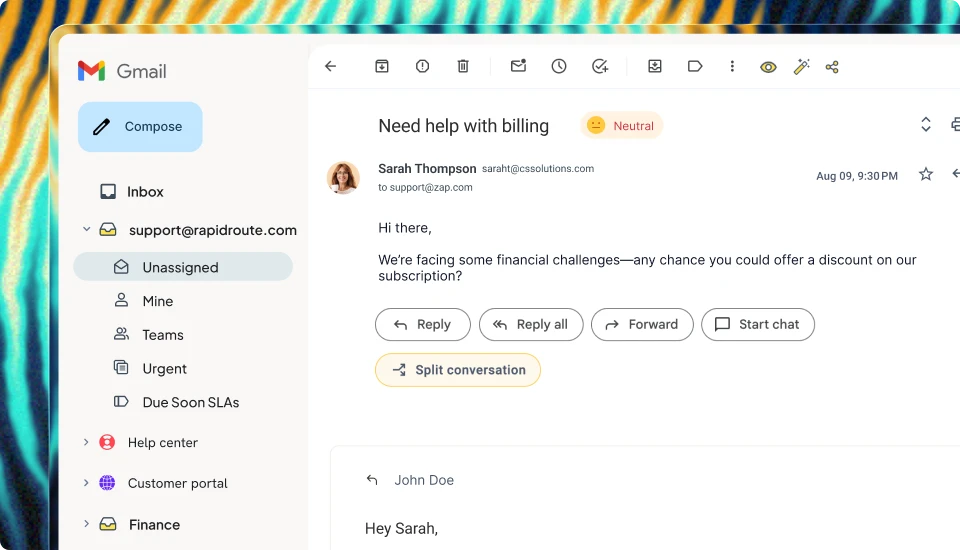
Hiver adds ticketing, collaboration, automation, AI Agents, and analytics to your Outlook shared mailboxes. Your team can assign emails, manage escalations, collaborate across departments, and resolve complex requests using connected tools.
No. Hiver connects to your Microsoft 365 shared mailboxes. You keep your existing email addresses while managing support through Hiver’s dedicated platform, without migrating your email hosting.
Yes. Connect shared mailboxes like support@, billing@, and info@, with separate assignments, workflows, and reporting for each.
Yes. Hiver’s Frontline Agents can investigate requests, follow your support procedures, retrieve information from connected systems, and take action to resolve issues. You define the guardrails and when human approval is needed.
Connect your Microsoft 365 shared mailbox through a guided setup, authorize access, and invite your team. You can then configure assignments, workflows, and AI around your support process.
Yes. Hiver connects to Microsoft 365 shared mailboxes, allowing teams to manage their Outlook email conversations within Hiver.